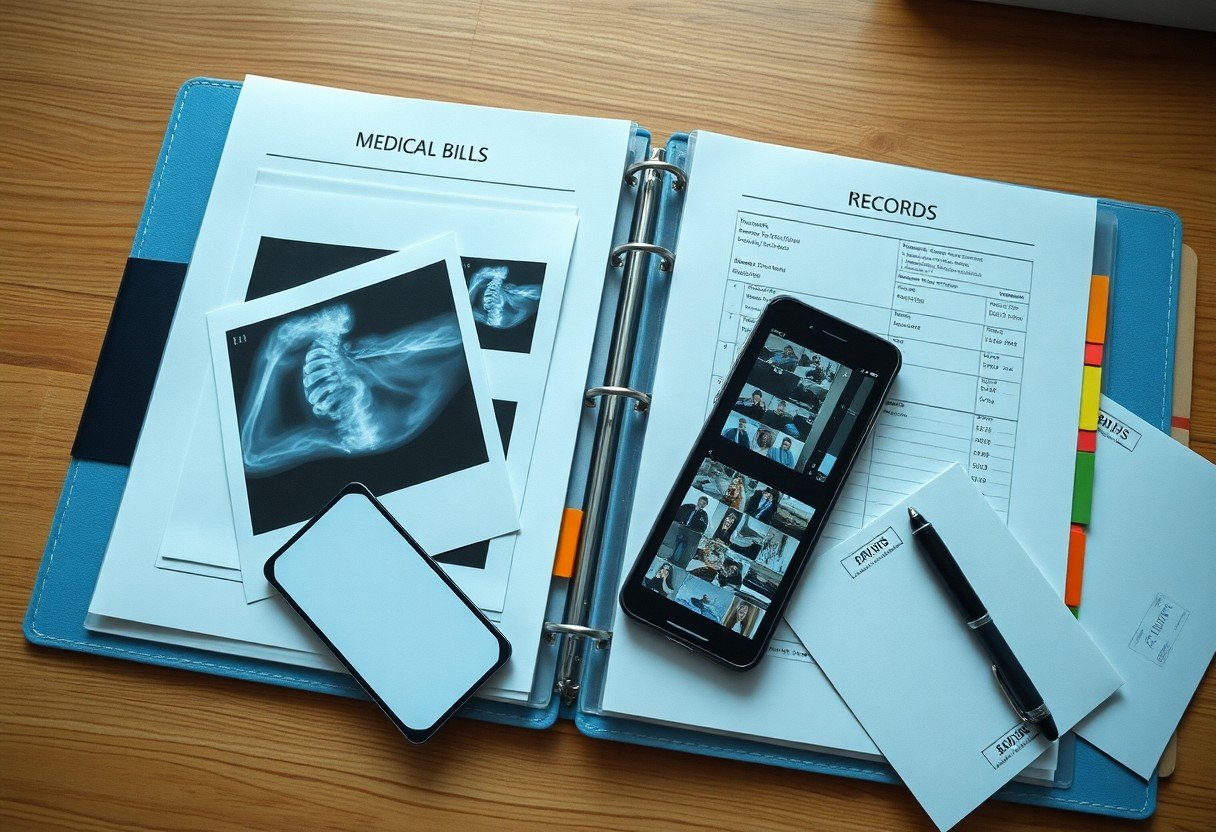
You should organize photos, medical bills, and records by date and incident, keep originals and secure digital backups, label files clearly, and compile a concise timeline to support your injury claim. Provide copies to your attorney and maintain a verification log.
Key Takeaways:
- Create a chronological digital and physical filing system for photos, medical bills, invoices, and correspondence, labeling folders by date and type.
- Timestamp and annotate photos with date, location, photographer, and what each image shows; include both wide shots and close-ups of injuries and the scene.
- Scan paper bills and records into searchable PDFs and back them up to at least two secure locations such as cloud storage and an external drive.
- Maintain an expense log that links each bill to treatment dates, provider names, and payment status, and keep original receipts organized.
- Share organized files with your attorney in their preferred format and retain copies for insurance communications and trial preparation.
Establishing a Centralized Filing System
Set up a single, clearly labeled folder-digital or physical-for all claim-related photos, bills, and records so you can retrieve evidence quickly and keep chronological files for each incident.
Digital Versus Physical Document Storage
Balance digital backups with a physical binder so you have cloud access plus printed originals for hearings, appointments, or when technology fails.
Implementing Consistent Naming Conventions
Adopt a simple, consistent naming format like YYYY-MM-DD_Type_PatientName to let you sort, search, and cross-reference documents quickly during the claim process.
Include date, document type, and claimant name in every filename, and add a version number or brief note (e.g., 2024-03-15_MRI_JaneDoe_v2). Avoid spaces and special characters, use underscores or hyphens, and keep the order consistent so sorting reveals chronology. Create a quick filename key you and any helpers follow to prevent mismatches across devices and cloud folders.
Categorizing Medical Records and Treatment History
Organize records by category-treatment notes, emergency care, therapy sessions-then sort chronologically so you can demonstrate continuity of care.
Compiling Provider Lists and Visit Summaries
Compile a clear list of every provider, dates of visits, and short summaries of treatments so you can quickly reference who treated you and why.
Tracking Diagnostic Reports and Prescriptions
Track all imaging, lab reports, and prescriptions with dates, result highlights, and prescribing provider to show diagnostic conclusions and medication timelines.
Keep both digital and paper copies of every diagnostic report and prescription. Label each file with date and test type, scan originals to PDF, highlight abnormal results, and attach notes explaining their relevance to symptoms and treatment. Log medication names, dosages, start/stop dates, and refill history so you can prove prescriptions matched your care timeline.
Managing Medical Bills and Financial Losses
Organize medical bills, receipts, and insurance statements by date and provider in labeled physical or secure digital folders so you can demonstrate treatment timelines and cumulative costs during your claim.
Organizing Invoices and Insurance EOBs
File invoices and Explanation of Benefits together, annotate unpaid balances, and keep scanned copies with dates and provider names so you can quickly review charges and contest errors.
Documenting Out-of-Pocket Expenses and Mileage
Track receipts for prescriptions, medical supplies, childcare, and therapy, plus a mileage log with dates, odometer readings, and purpose so you can support reimbursement claims.
Keep a spreadsheet or mileage-tracking app listing dates, start and end odometer readings, trip purpose, and round-trip miles; attach scanned receipts or photos of tolls, parking, prescriptions, and medical supplies. Calculate reimbursements using the IRS per-mile rate, and note which expenses your insurer paid versus those you paid out of pocket to show unreimbursed losses.
Documenting Evidence through Strategic Photography
You should shoot wide, medium, and close-up images, include timestamps and a ruler for scale, and upload copies to encrypted cloud storage; label files to match bills and notes for quick retrieval.
Preserving Scene and Property Damage Images
Keep compositional variety: wide shots of the scene, medium frames of damaged property, and close-ups of specific breaks or dents; include reference objects and capture different angles for context.
Maintaining a Visual Chronology of Injuries
Photograph injuries daily from consistent angles, include timestamps and notes about pain or treatment, and store images in dated folders so you can show progression to insurers and doctors.
Organize your photos chronologically in folders labeled by date and body part, add brief captions noting pain level, treatment, and any medication, and sync backups to a secure cloud plus an external drive; include corresponding medical reports, appointment notes, and any physician comments so each image clearly ties to clinical evidence and strengthens your claim.
Utilizing a Daily Impact and Pain Journal
Keep a concise daily impact and pain journal noting pain intensity, sleep, mood, medications, and how activities changed so you can show consistent evidence of how the injury affects your daily life.
Recording Physical Limitations and Pain Levels
Log pain on a 0-10 scale, describe flare triggers and relief measures, and note specific movement limits so you create clear, dated records for medical and legal review.
Tracking Interference with Daily Activities
Note which tasks you can’t perform or must modify-work duties, childcare, chores-and how long assistance or extra time takes, giving concrete examples for your claim.
Record frequency and duration of interrupted tasks, include timestamps or photos, note when others assist you, and tie missed work or extra expenses to specific dates to strengthen your documentation.
Conclusion
Now you should date, label, and organize photos chronologically, keep original bills and medical records in a single folder (digital and physical), scan documents, back up files securely, and maintain a clear spreadsheet of expenses and treatments to present a coherent, persuasive injury claim.
FAQ
Q: Why should I organize photos, bills, and records for an injury claim?
A: Organized documentation proves the sequence of events, the extent of injuries, and the expenses you incurred. Insurance adjusters and lawyers rely on dates, itemized bills, and clear images to assess liability and damages. A coherent set of records speeds up evaluations, reduces disputes over what happened, and strengthens settlement or trial presentations.
Q: What is the best way to capture and label photos related to the incident?
A: Take multiple high-resolution photos from different angles: wide shots for context and close-ups for detail. Include timestamps and location data when possible. Label each image with date, time, brief description of subject (for example: “left-knee-bruising-2026-03-02”), and relation to the claim. Store originals and create edited copies that highlight damage or injuries without altering the factual content.
Q: How should I collect and organize medical records and bills?
A: Request itemized bills, discharge summaries, operative reports, imaging results, therapy notes, and medication lists from every provider. Create a chronological folder or digital directory with subfolders by provider and date. Include explanations of benefits (EOBs), proof of payments, and records of unpaid balances. Keep a one-page index summarizing key treatments, dates, providers, and totals for quick reference.
Q: What documents should I keep to prove out-of-pocket expenses and lost income?
A: Keep receipts for transportation, prescriptions, medical supplies, home modifications, childcare, and any paid help. Collect pay stubs, employer statements showing missed work, tax returns if relevant, and documentation of self-employment income loss such as invoices or bank deposits. Create a spreadsheet that lists each expense, date, amount, and whether it was paid or reimbursed.
Q: How should I store and share these records safely with my attorney or insurer?
A: Scan paper documents into searchable PDFs and save them in a secure cloud folder with restricted access. Organize files with consistent names and a clear folder hierarchy (for example: Photos > 2026-03-02, Medical > HospitalName > 2026-03-03). Provide a single master index or summary and share links with permission settings rather than emailing many attachments. Retain original paper copies in a labeled binder and log every document you send or receive, including dates and recipient names.